🕵️♂️ Didn’t Get Your Account? Here’s What to Do First
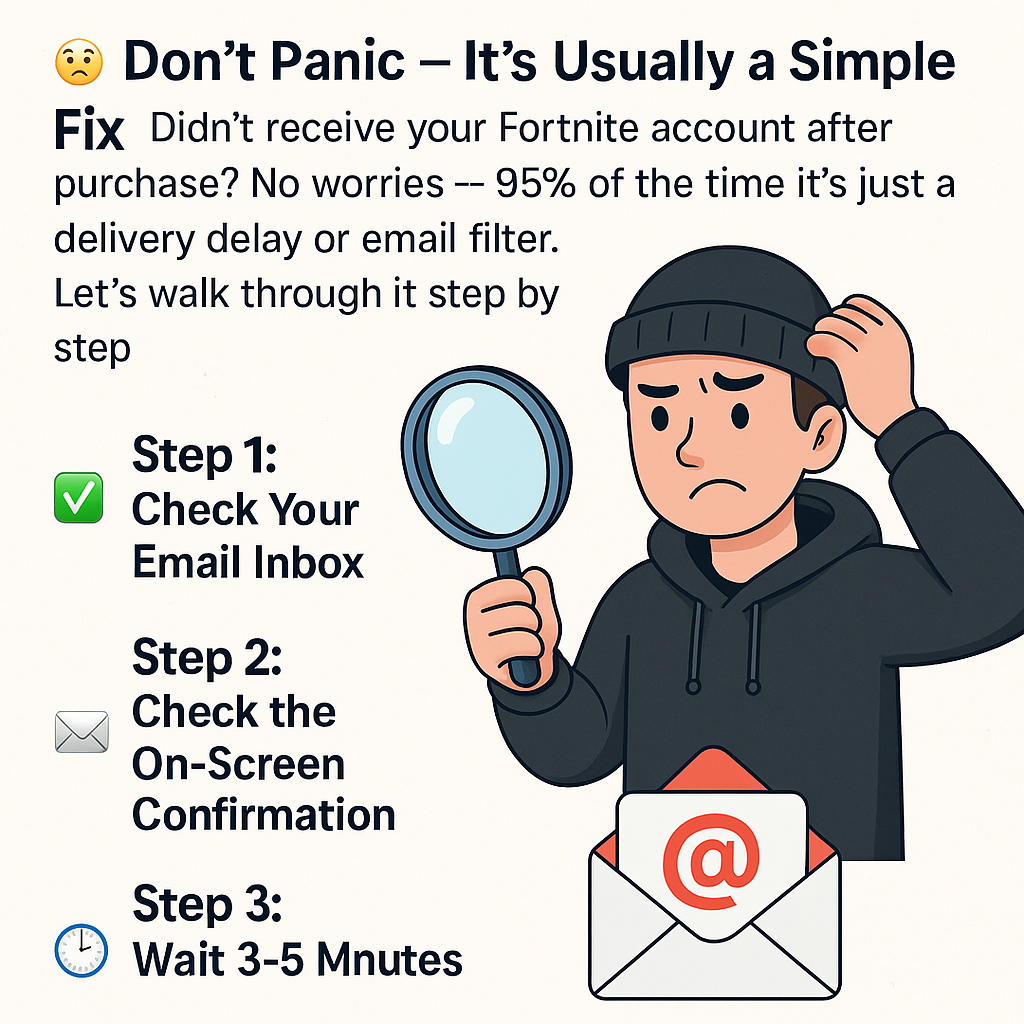
😬 Don’t Panic — It’s Usually a Simple Fix
Didn’t receive your Fortnite account after purchase? No worries — 95% of the time it’s just a delivery delay or email filter. Let’s walk through it step by step.
✅ Step 1: Check Your Email Inbox
Once you complete your order, the account info is sent to the email you used at checkout. Make sure to check:
- 📥 Inbox
- 🗑 Spam or Junk folder
- 📂 “Promotions” tab if you’re using Gmail
✅ Step 2: Check the On-Screen Confirmation
Right after payment, your login details also appear directly on the confirmation page. If you missed it, don’t worry — email should have a copy.
✅ Step 3: Wait 3–5 Minutes
Sometimes email providers have a short delay. Give it a few minutes before freaking out. Still nothing after 5 minutes? Let’s move to step 4.
✅ Step 4: Reach Out to Support
If nothing arrived by email and you didn’t see the confirmation screen — just message us. We’ll resend your order manually within minutes.
You can contact us via:
- Help Center
- Live Chat
🧠 Pro Tip: Use a Reliable Email
Always double-check your email address before completing checkout. Typos like @gmal.com or @gnail.com are super common and cause most issues.
Need more info? Check our full Help Center for detailed answers and tutorials.