🎮 How to Link Your New Account to Xbox, PlayStation or Switch
🔗 Why Linking Matters
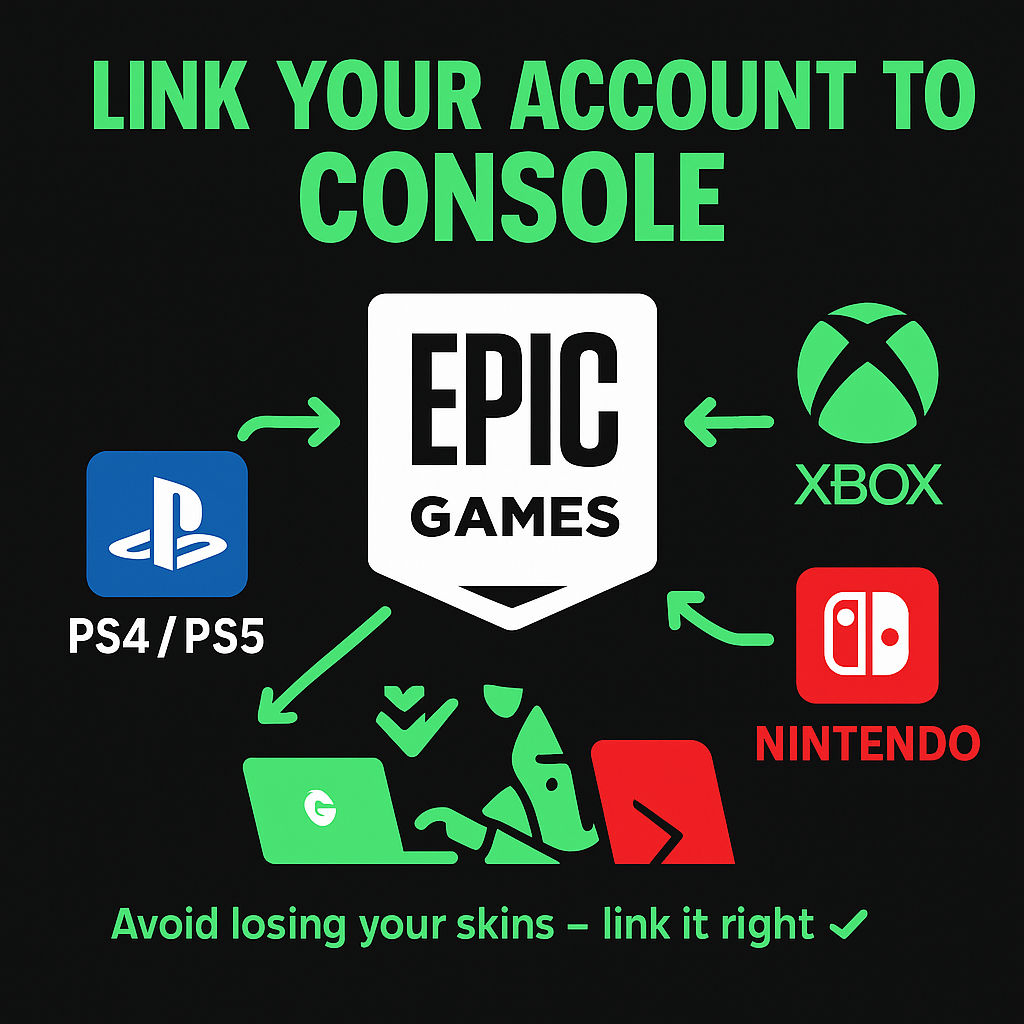
When you buy a Fortnite account, it’s usually an Epic Games account. If you want to play on console (PS4/PS5, Xbox, or Nintendo Switch), you need to link your platform to that Epic account.
Without linking, you’ll end up creating a new blank account — and lose all skins.
🎮 Step-by-Step: Linking Your Console
🟦 For PlayStation (PS4 / PS5)
- Go to epicgames.com/account/connected and log in
- Scroll down to “PlayStation Network”
- Click “Connect” → Log in with your PSN account
- Confirm and save
🟩 For Xbox
- Log in to epicgames.com/account/connected
- Find the “Xbox Live” section
- Click “Connect” → Sign in to your Microsoft account
🟥 For Nintendo Switch
- Log into the Epic account you purchased
- Open epicgames.com/account/connected
- Click “Connect” under “Nintendo Account”
- Sign into your Nintendo ID
⚠️ Important Notes
- 🚫 If your console is already linked to another Epic account, you must disconnect it first
- ✅ Only one console account can be linked at a time
- ⏳ After linking, restart Fortnite on your console
🧠 Still Confused?
Reach out to our support — we’ll walk you through the setup or check if your account is ready for console linking.
👉 Buy Console-Ready Fortnite Accounts
Need more info? Check our full Help Center for detailed answers and tutorials.